THE FIRST PRACTICAL AI MINI COURSE
Better Business
Content with AI.
Turn one real offer into a clear branded post, a caption in your voice and a short vertical story.
Six written lessons · 22-page guide · 14 prompts
YOUR PROJECT, FROM START TO FINISH
- 01 A clear, approved brief
- 02 A branded PNG + caption
- 03 A short vertical story
- 04 A workflow you can reuse
Build it with your own business or an approved client project. Software access and generation waits can add time.
WHO THIS IS FOR
You know your business.
Now direct the tools.
For business owners who want practical control over what they post. Start with current business facts and original media. A social profile or a written brief is enough.
Allow roughly 60–90 minutes for a first hands-on attempt, plus setup and generation time. A connector is optional.
A good fit if you want to…
- Make a clear offer instead of a cluttered post
- Keep real products and your original logo accurate
- Give AI specific directions and fix the actual problems
- Save editable work for the next offer
The course teaches the workflow. You create, inspect and approve your own files.
THE FULL PROJECT
Six lessons. A useful result.
- 01
A clear message and one action
Choose who the post is for, what it promotes and what the customer should do.
- 02
Collect your brand
Gather the original logo, colours and voice into a reusable brief.
- 03
Keep the real thing real
Choose original media and confirm the facts before creating.
- 04
Give AI proper direction
Build a source sheet, creative brief and caption you can approve.
- 05
Make and finish the still
Create the design and finish the exact media and editable text.
- 06
Move it, check it, reuse it
Plan a short story, review the exports and keep the workflow for your next offer.
FREE LESSON PREVIEW
One post.
One offer.
One action.
Before opening a creative tool, finish this sentence:
This post is for [customer], promoting [one offer], so they will [one action].
Our course example speaks to local business owners who need branded social content, with “DM CONTENT” as the one action. That wording is instructional.
Now check it
- Can a stranger name your offer?
- Is the customer action clear?
- Does that route actually work?
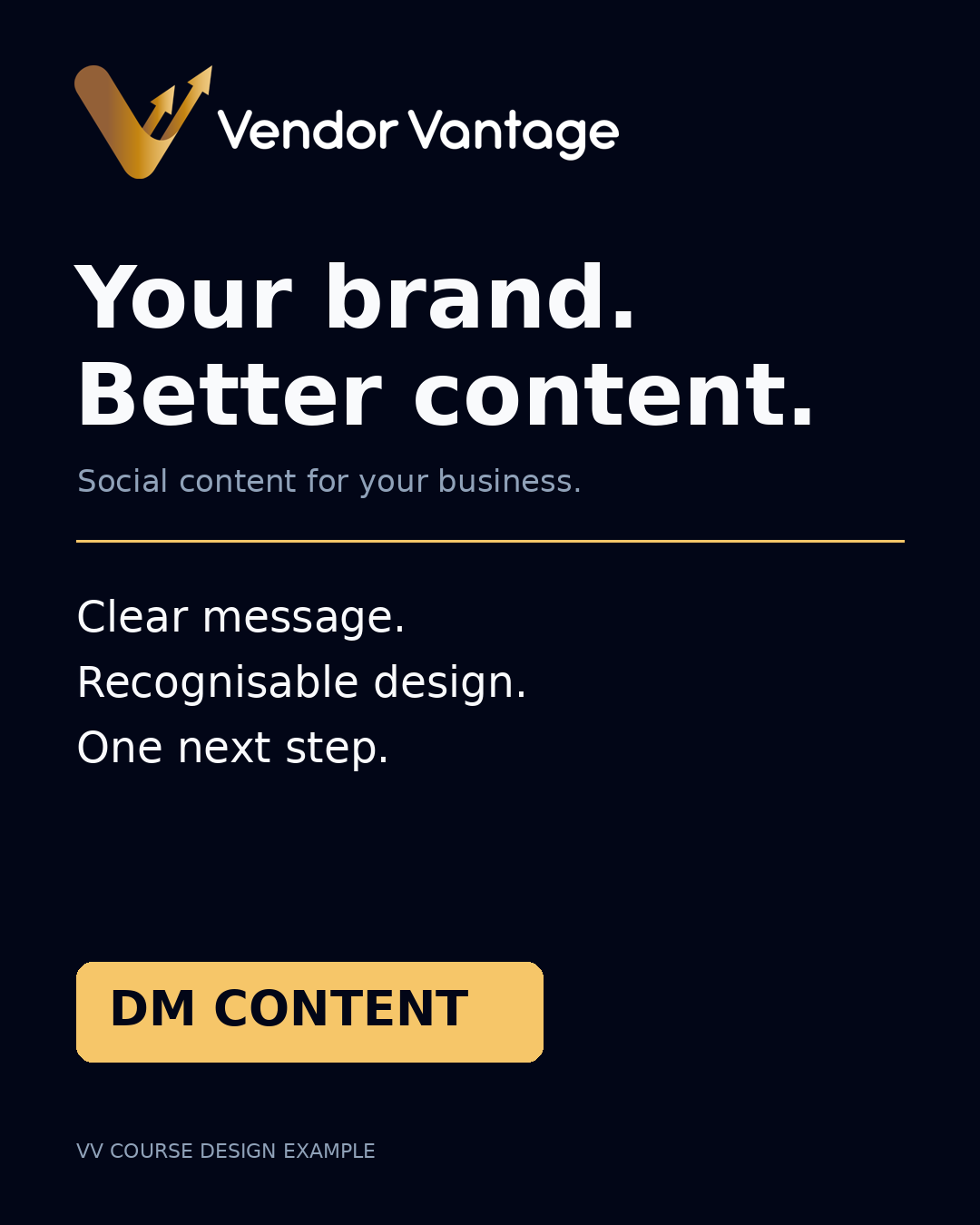 Instructional course example. DM CONTENT is example text, not a live message link.
PUT LESSON ONE TO WORK
Your business.
Your first brief.
Fill in six short answers. Get a prompt ready to paste into Claude or ChatGPT, then review the draft it gives you. No website required.
Give the assistant a useful starting point.
Complete the form to build your prompt.
- Paste it into your chosen assistant.
- Answer any missing-information questions.
- Approve the brief before asking for your caption or design.
WHAT’S INCLUDED
Keep the process,
not just the export.
- The 22-page written learner guide
- All 14 copy-and-paste course prompts
- A reusable brand and offer worksheet
- Instructional examples and a final assignment
- No-website starting guidance
Tool setup guides and free starter prompts are also available on this site. The current course edition includes written instruction; recorded demonstrations are not included.
Check which tools you need →FORMAT & ACCESS
Start with
the written course.
$39 USD · one-timeSix written lessons, the learner guide, all 14 prompts and the reusable worksheet.
Get the course — $39 USDAutomatic ZIP download after confirmed payment. Software subscriptions, generation credits, premium assets and advertising spend are separate.
Written & self-paced
Pay once and download the complete six-file ZIP after payment confirmation. Follow the lessons at your own pace using your approved facts and original media.
Want help getting started?
Email sales@vendorvantage.ca and tell us which tools you already have. We’ll help you with the course format, tools and access details.
BEFORE YOU START
A few useful answers.
How do I receive the course?
After confirmed payment, you return to a download page. Your course ZIP starts downloading automatically, with a download button if your browser blocks it. No student login is needed. Save the files and bookmark your private download page. If your payment method is delayed, access unlocks when Stripe confirms it.
Do I need a website?
No. Use a current social profile, a written business brief, your logo or plain business name, and your own original media.
Do I need every subscription?
No. Start with tools you already have. Some functions need paid access or credits, so check the exact feature before subscribing. You can use direct apps when a connector is unavailable.
Are video lessons included?
The current edition is written. Recorded demonstrations are not included. The lesson about creating a short story teaches your project workflow; it is not a recorded lesson.
Will this publish my content or connect my accounts?
No. The site supplies training and guides. You authorise accounts in the relevant provider, create your own files and review them before publishing.
Can Vendor Vantage make the content for me?
Contact Vendor Vantage to discuss content support. That is separate from this self-paced course.